How to tidy desk cables without a big project
Cables make a desk look busy even when everything else is in order. The good news is that most of the problem can be solved in an afternoon with very little equipment. You do not need to hide every wire. You need each one to stay where you put it.
Work out what you actually use
Unplug everything that does not belong on the desk and put it in a drawer. It is common to find old chargers, a cable for a device you no longer own and a spare nobody has touched in a year.
What is left is your real list. Write it down if that helps: laptop, monitor, phone, lamp, maybe a speaker. Each item needs a power source and sometimes a data cable.
Decide where each cable ends
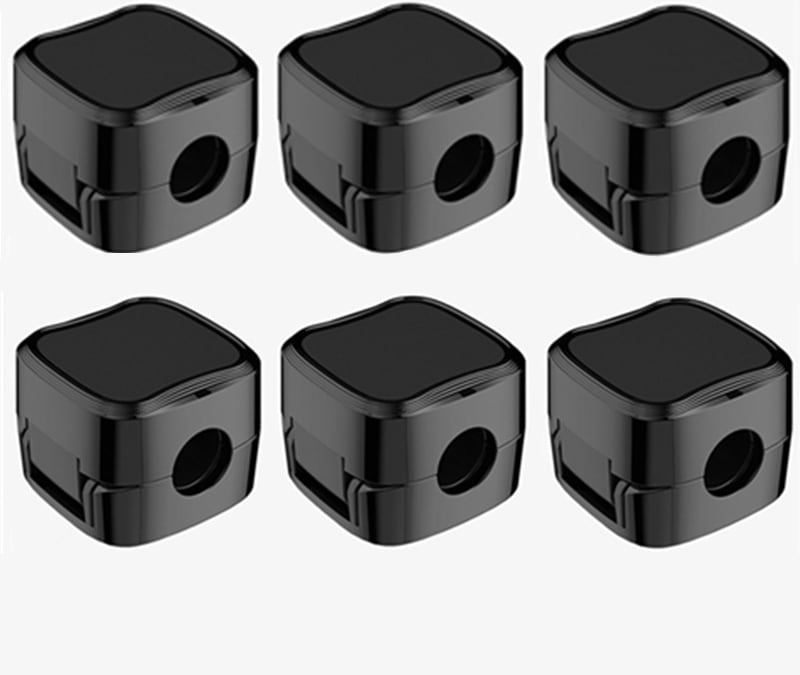
The most irritating cable is the one that falls behind the desk every time you put it down. These are the cables you pick up and put down all day, such as the phone charger or a headphone lead. Give each one a fixed spot on the desk edge, and the problem goes away.
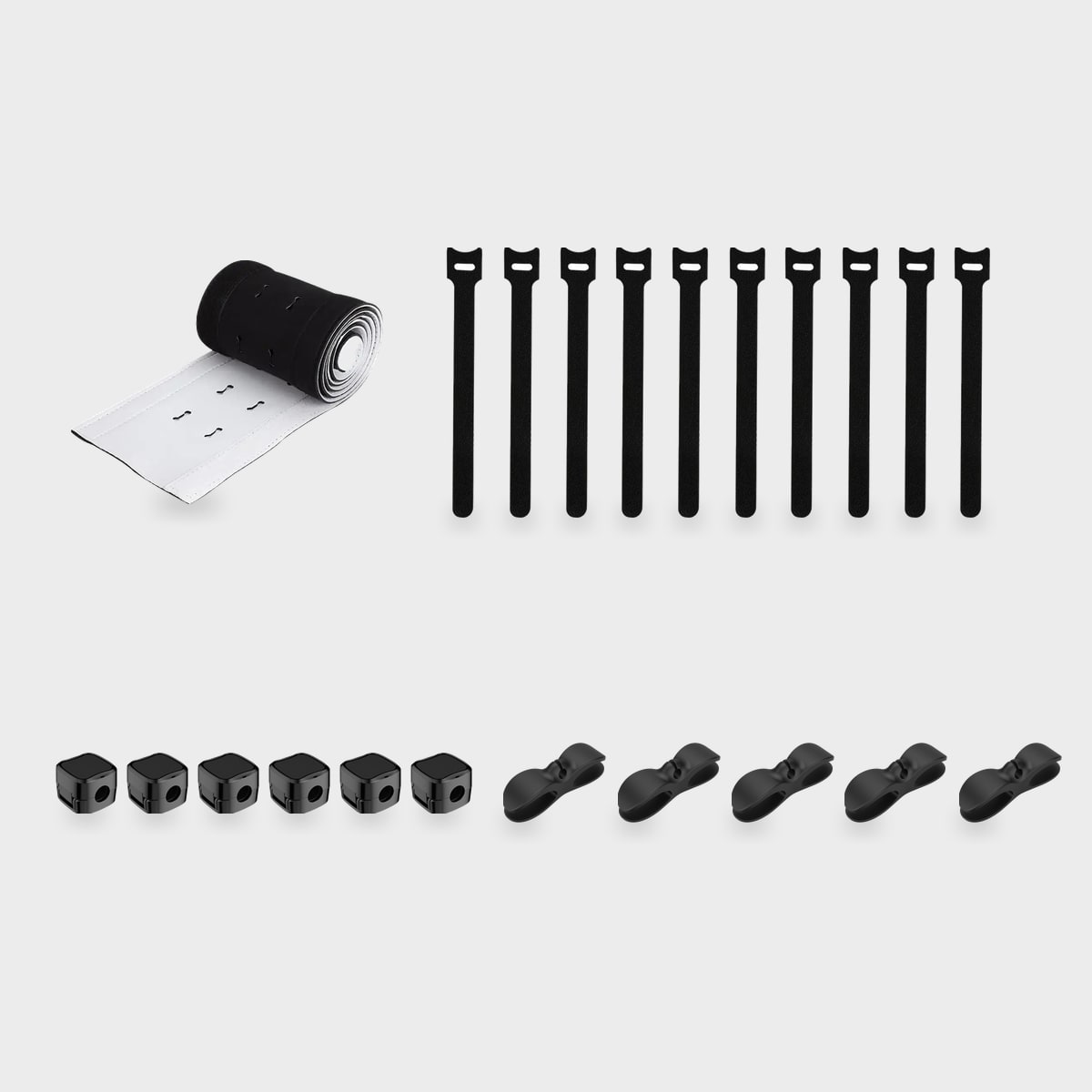
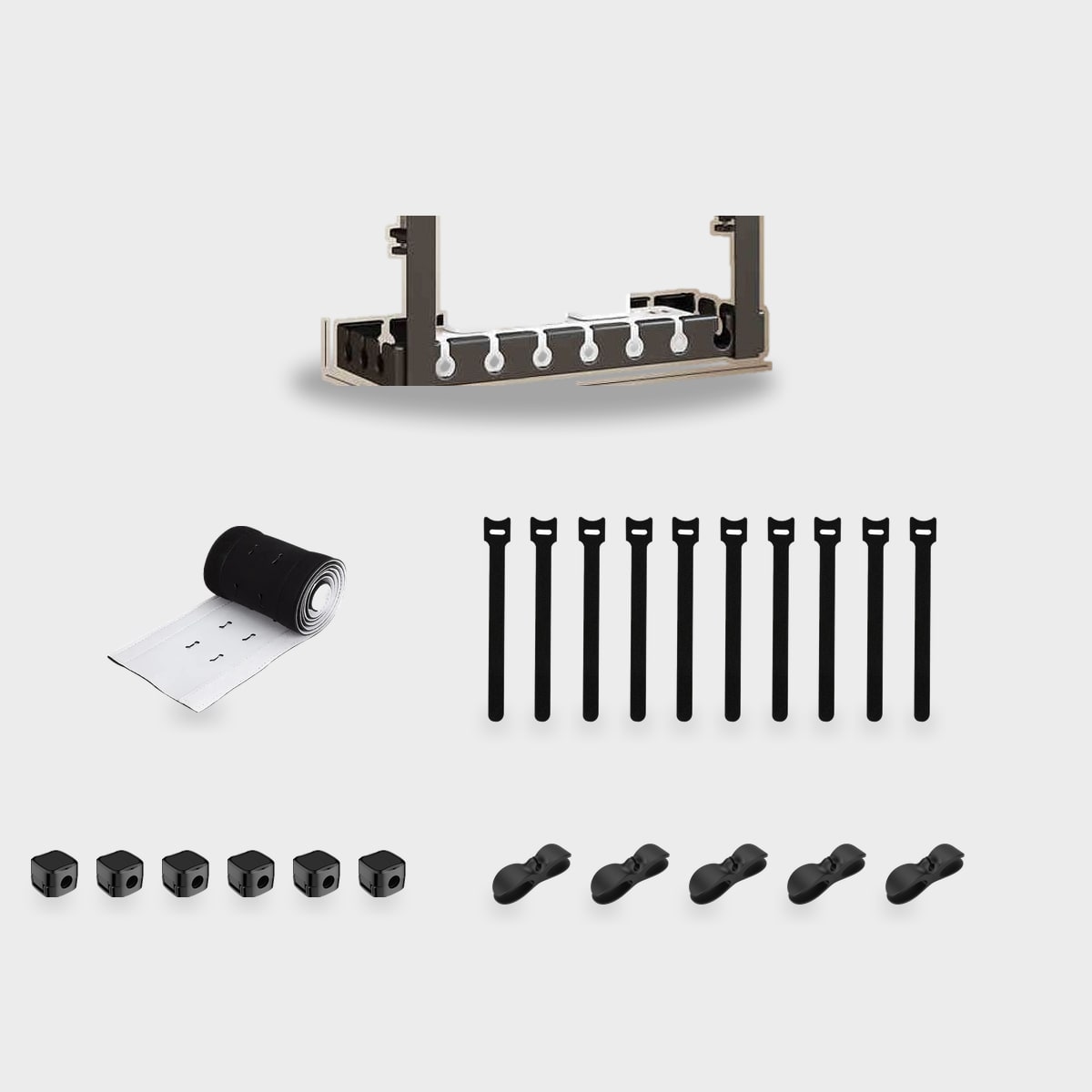
Small magnetic clips that stick to the edge of the desk do this well. The cable end rests in the clip, ready to plug in, and does not slip. They need no power and take seconds to place. Make sure the surface is clean and dry before you stick them on.
Shorten the long runs
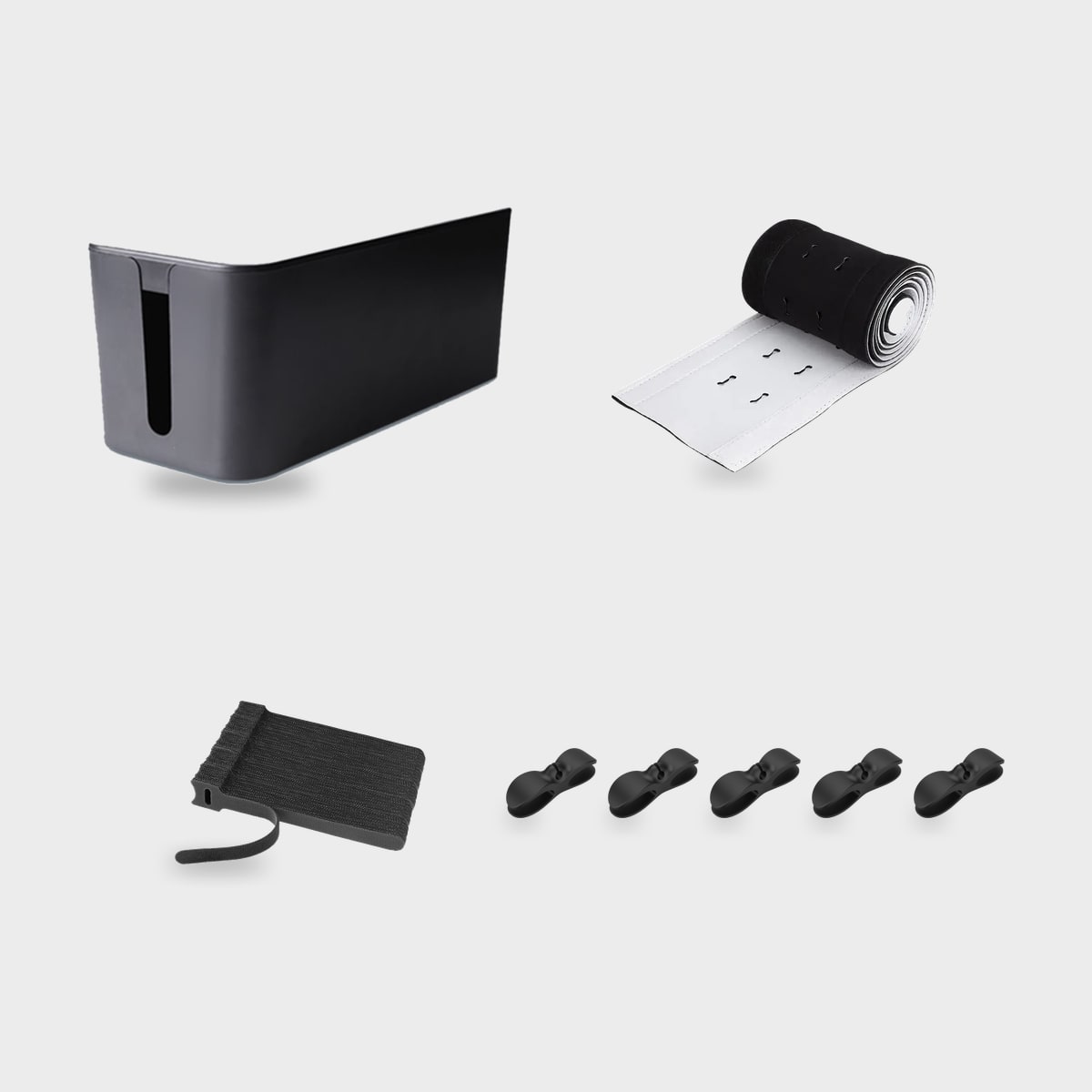
A cable that is much longer than the distance it covers makes loops. Choose lengths that fit, or coil the extra and tie it with a soft strap. Avoid bending cables sharply, and do not wrap them tightly around a power brick.
For the long runs along the back of the desk, a simple adhesive channel or a row of clips keeps everything in a line. A line looks tidier than a pile, even if it is not hidden.
Group the power
If several things plug in at the same place, use a single power strip or a hub and mount it out of sight, under the desk or along the back edge. Do not overload it: check the rating printed on the strip, and do not chain strips together.
Label the plugs with small tags if you have many. When you need to unplug something, you will know which one it is.
Raise what you can
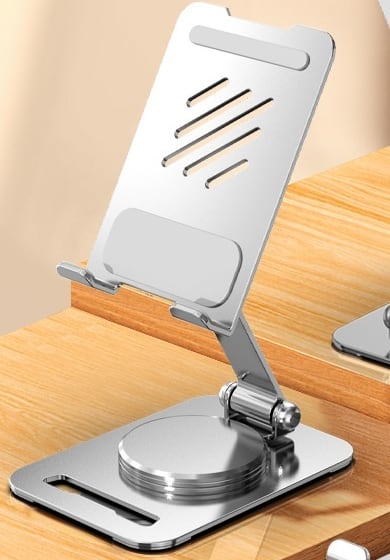
Floor-level clutter is the most visible. If your desk allows it, get the power strip off the floor. A phone stand also helps: your phone sits upright and its cable has a clear, short path.
Do a small check each month
Desks drift back to messy. A two-minute check once a month, to see if a cable has wandered or a clip has loosened, is enough to keep the order you set up.
If you add a new device, add its cable path at the same time. That one habit does more than any accessory.
Last, resist the urge to buy a long list of organisers. One clip per cable you handle daily, one strip for the power and a few ties are usually enough. Anything beyond that tends to become new clutter of its own.